![Simpled Logo Size-1.jpg]](https://learn.simpled.uk/hs-fs/hubfs/Simpled%20Logo%20Size-1.jpg?height=50&name=Simpled%20Logo%20Size-1.jpg)
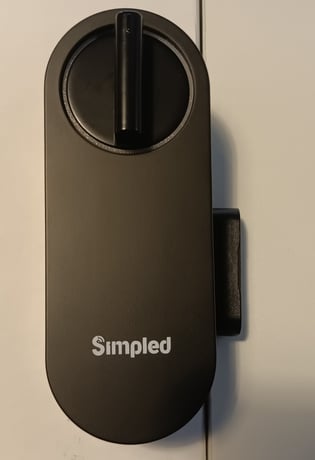
The MF lock can use either the Door Sensor or the Auto-lock feature to trigger locking; however, these two functions cannot be used simultaneously. If the door operates with a slam-to-lock mechanism, neither feature should be enabled.
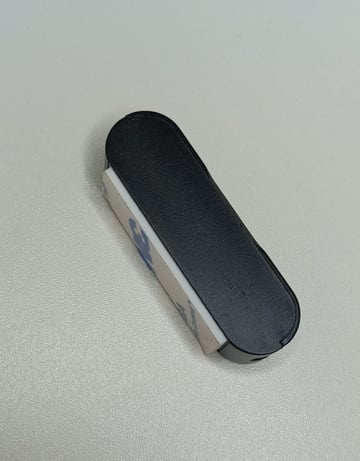
Door Sensor (Supplied with MF)
-
Magnetic sensor (not Bluetooth)
-
Does not need to be added to the app
-
Works on left- or right-hand doors
Note: Please disregard the separate “Door Sensors” icon in the app, as this refers to a different type of Bluetooth door sensor and not the magnetic sensor supplied with the MF model.
Autolock
-
Automatically re-locks the door after closing
-
Cannot be used at the same time as the Door Sensor
If using the Door Sensor, ensure Autolock is set to OFF in Lock Settings.
Slam-to-Lock Doors
For doors with a slam-to-lock mechanism (e.g. Winkhaus AV series):
-
The door locks mechanically when closed
-
Do not enable Autolock
-
Do not use the MF Door Sensor
Using either feature on slam-to-lock doors will cause issues.
Key Rule
✔ Use Door Sensor OR Autolock
✔ Or use neither for slam-to-lock doors
❌ Never use Door Sensor and Autolock together