![Simpled Logo Size-1.jpg]](https://learn.simpled.uk/hs-fs/hubfs/Simpled%20Logo%20Size-1.jpg?height=50&name=Simpled%20Logo%20Size-1.jpg)
What is Secure Mode (Privacy Switch)?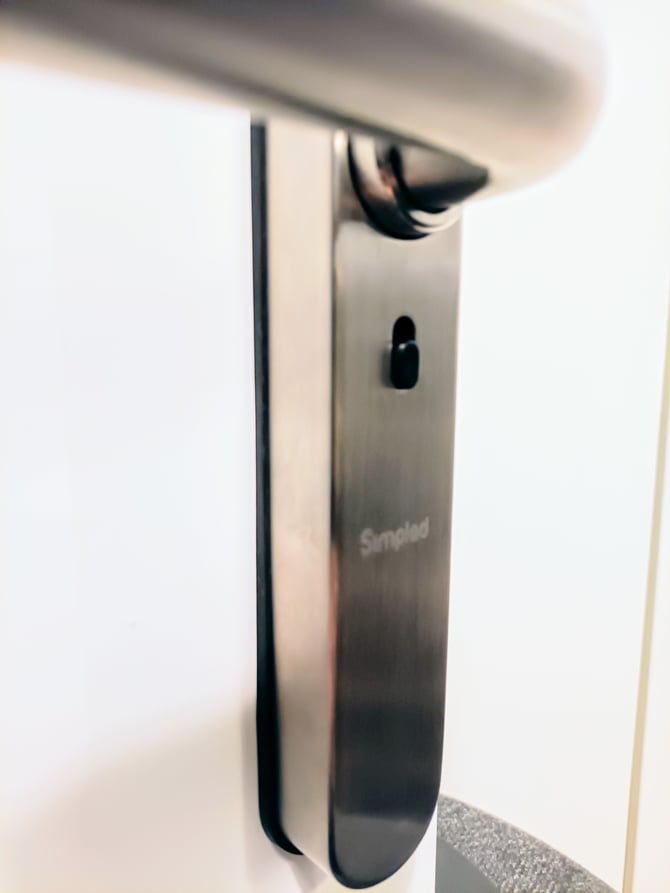
The EF and TF lock models include a Privacy Switch, also referred to as Secure Mode.
When enabled, Secure Mode restricts access so that only the lock owner (Main Administrator) can unlock the door.
This feature is designed to provide maximum privacy and security when required.
It is Intended for scenarios where the lock is used on a bathroom, locker room or other personal space.
Where this feature could create unintended issues, such as with short term rentals, for AirBnB, or on communal doors in a shared building, this switch can be easily disabled in the app.
How Secure Mode works
Enabling Secure Mode
-
Slide the privacy switch UP to activate Secure Mode
-
Once enabled:
-
Only the Main Administrator can unlock the door
-
Unlocking is possible only via:
-
The TTLock app
-
The Administrator Passcode (found under Settings → Basic)
-
-
-
All other access methods are disabled:
-
Normal user passcodes
-
Fingerprints
-
Cards or other credentials
-
Disabling Secure Mode
Secure Mode can be turned off in two ways:
-
In the TTLock app, go to:
-
Lock Settings → Privacy Lock → Off
-
EF model special behavior
-
On EF models only, opening the door using the inside handle will mechanically reset the privacy switch to the OFF position
-
This ensures that Secure Mode is automatically turned off after exit from the inside
Why this matters
-
Prevents any unauthorized access while Secure Mode is active
-
Ensures only the owner can unlock the door during privacy periods
-
Helps staff clearly explain why fingerprints or user codes may stop working
Quick summary
-
Secure Mode restricts unlocking to the Main Administrator only
-
Activated by sliding the privacy switch UP
-
Normal access methods are disabled while active
-
Can be disabled in the app via Privacy Lock → Off
-
EF models automatically reset Secure Mode when opened from the inside
EF and TF models offer a simple, reliable privacy feature for enhanced security and controlled access.